
Comic Blog: Harriett Chaos
The comic epsiode titled Harriett Has a Sweet Tooth (Comic 001) took me a little longer than planned — mostly because I missed my own deadline while obsessing over Harriett’s design. I spent way too much time drawing her, redrawing her, and then redrawing her again. Perfection really tried to hijack the whole process, but I’m learning to prioritize getting it done over getting it flawless.
A big part of the slowdown was learning Procreate on the fly. Brushes, layer effects, blend modes…It’s a lot. I kept bouncing between experimenting with tools and sketching Harriett in my notebook. She went through a few “identity crises” before landing on her current grey‑skinned palette, which I actually love.
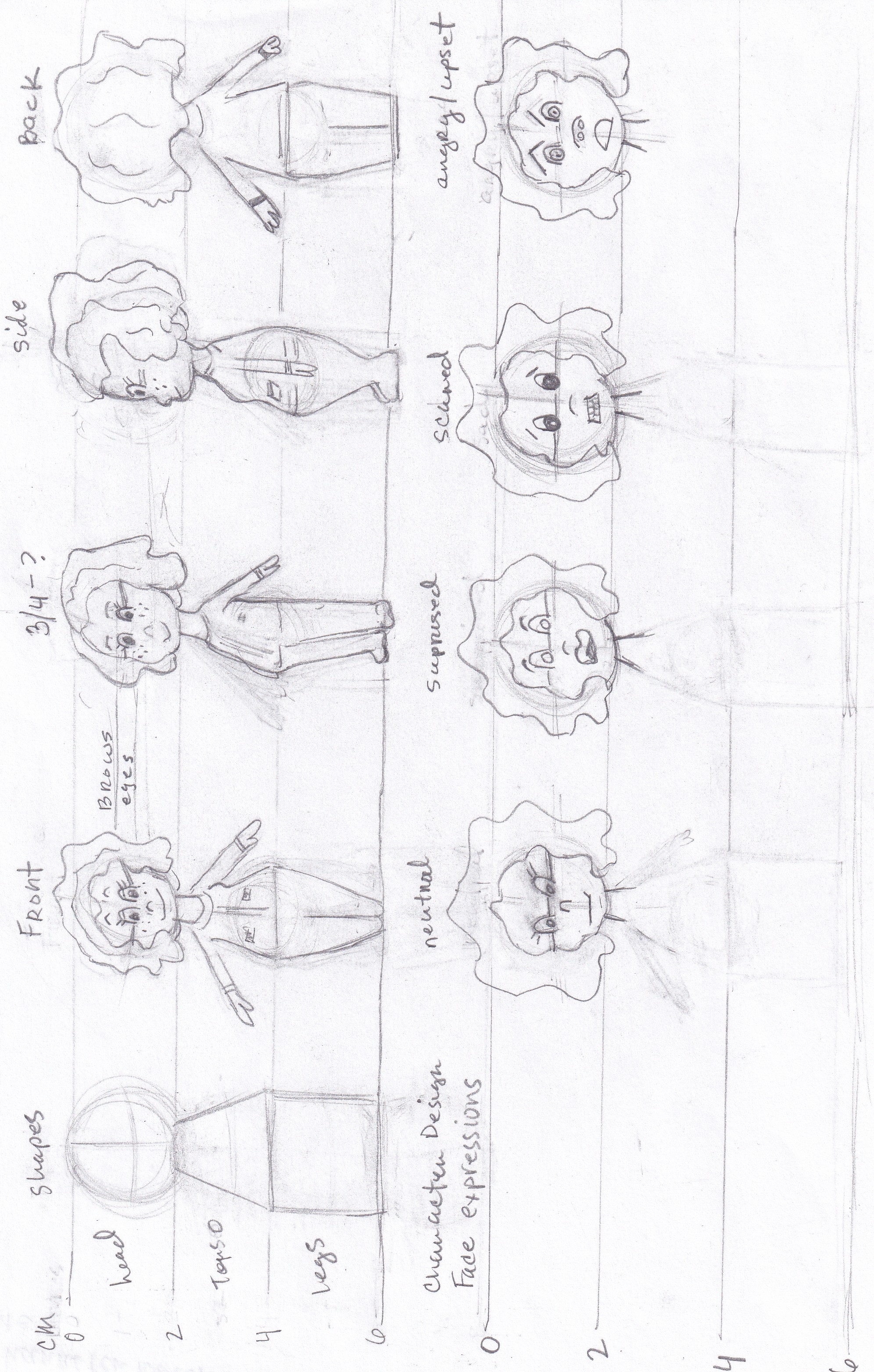
Harriett character turnaround sheet.
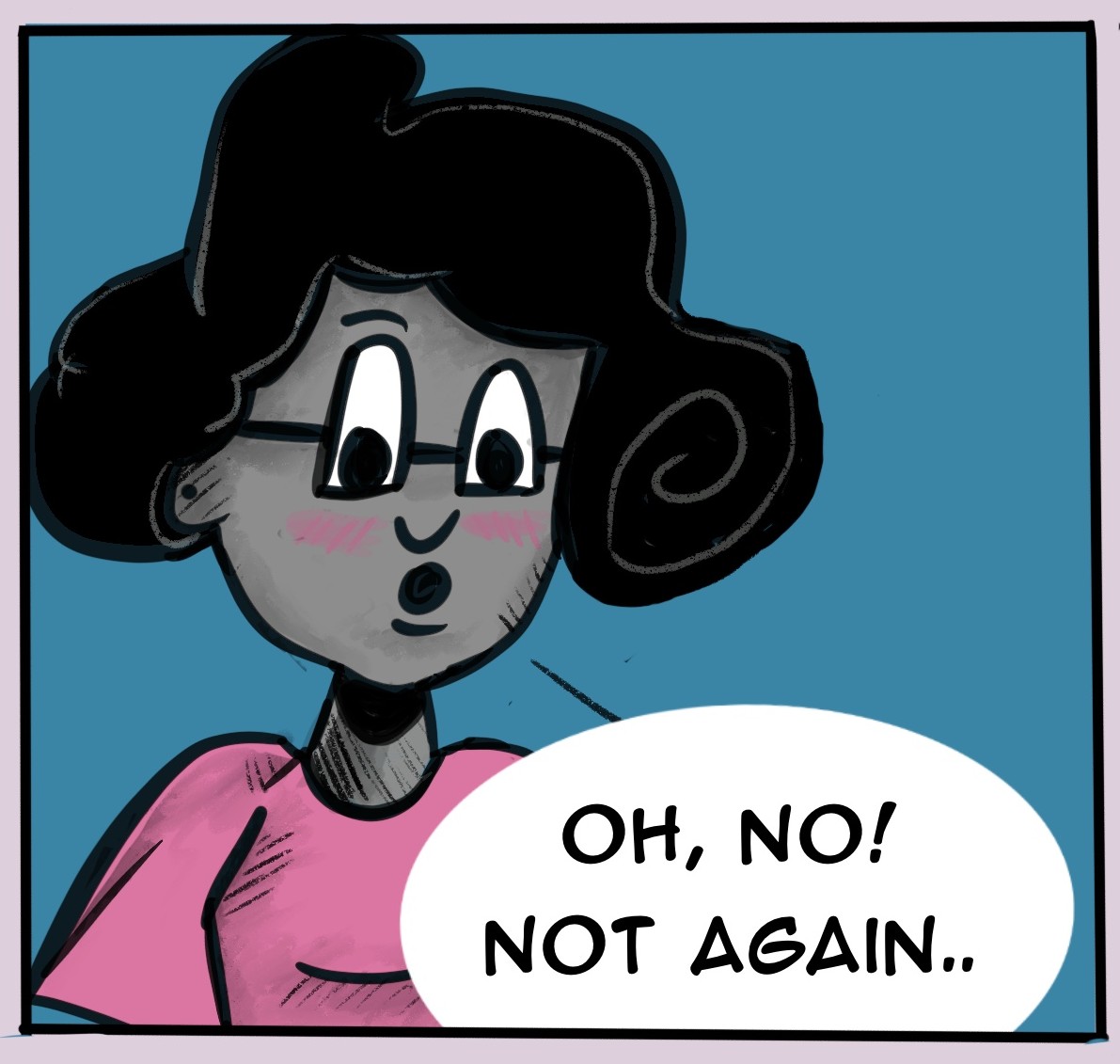
Harriett is up to mischief. Why she cute though.
⭐Harriett went through quite a few interations. Watch a video (30-second time lapse) drawing I created in Procreate on the YouTube
Even with the challenges, there were bright spots. Drawing the Gingerbread Man was ridiculously fun, and once I settled into Procreate’s workflow, creating simple comic panels felt surprisingly smooth. My iPad Mini 6 handled everything like a champ, and my custom Bad Lasagna color palette made the whole thing feel more cohesive.
Now that the panel is out, I’m asking myself a few questions:
- Did the panels convey the idea clearly?
- What would I change next time?
For starters, I want to simplify Harriett’s lines and shapes. She’s cute, but I want to clean up her design since she’s going to be a recurring character. Though, I am trying not to get too attached to her look as she will evolve as I get more comfortable with the style.
Tools used: Procreate and iPad Mini 6.
Starting is always the hardest part, but I’m proud of this one.
Next up:
- Read Comic 001: Harriett Has a Sweet Tooth
- Check out the 30-second time lapse video for Comic 001 here